








How to Void a Start
1) From the dashboard, click "Roster" tab
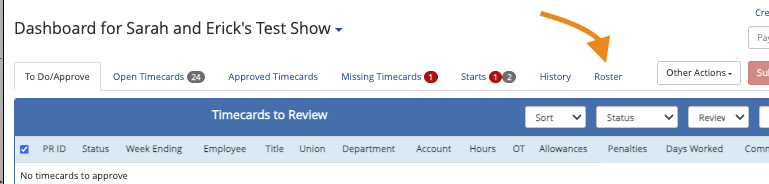
- If voiding a start in "starts to send" click the start, "other actions" > "view employee info" first
2) Click the position of the employee to view the employee's start details
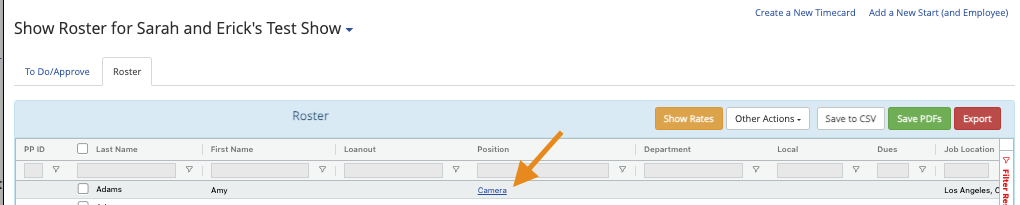
3) Within the Employee Start page, Select "Other Actions" then "Void Start"

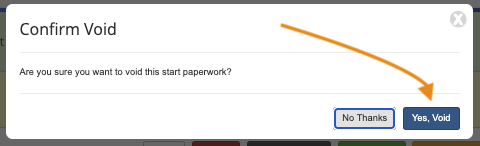
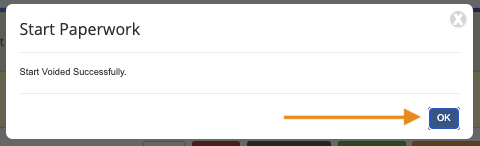
Confirming the void will inactivate the start and it can no longer be used.
Questions? Need more help?
Please email support at support@revolutiones.com or call 800-985-9238 M-F 7am-6pm (PST). If it's outside our business hours, we will get back to you as soon as we can.

