








How to Upload Employee Documents
1) Open the employee start details, select Documents

2) Select the empty field within the upload box and choose the document(s) from your computer (or drag them in), then click "Save"
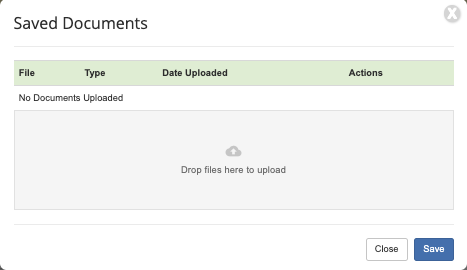
3) Uploaded documents can be viewed, re-downloaded, or deleted from Documents
Questions? Need more help?
Please email support at support@revolutiones.com or call 800-985-9238 M-F 7am-6pm (PST). If it's outside our business hours, we will get back to you as soon as we can.

