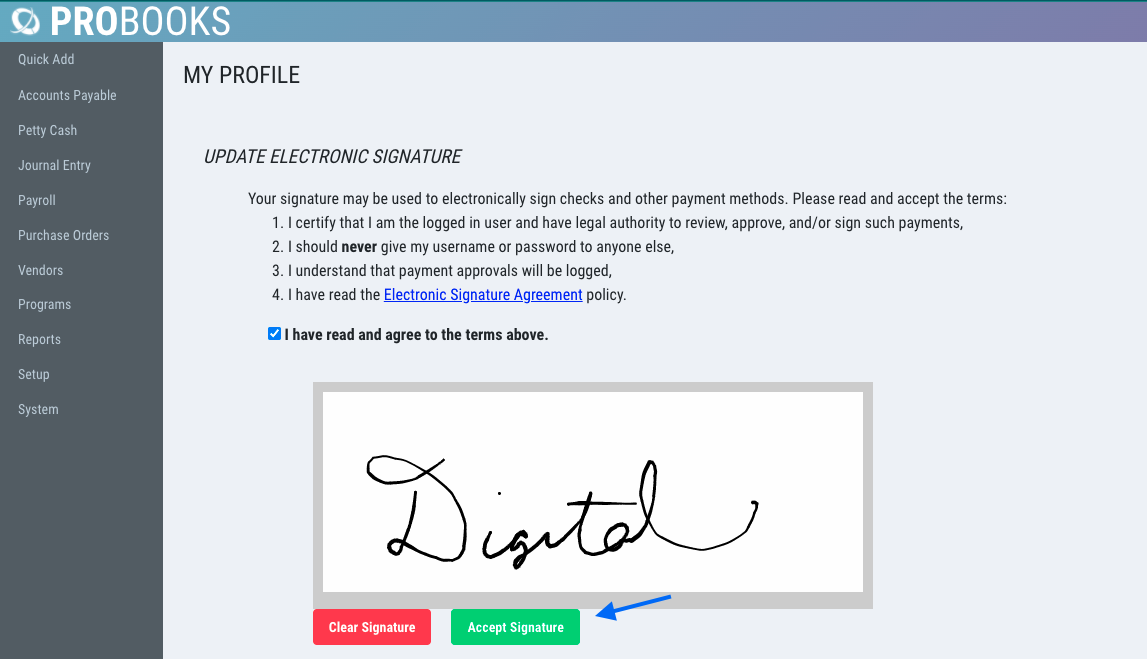
How to Setup a Digital Signature
Create your own Digital Signature in ProBooks. Please contact support@revolutiones.com to request setup of Digital Check Signatures.
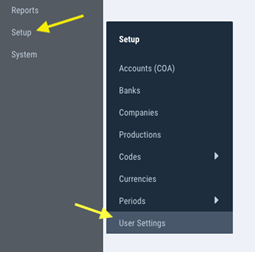
1) Login to your ProBooks. From the left navigation pane, go to Setup > User Settings.
2) Enter your signature and click Accept. Your signature will be saved for the project.