








Accessing Paystubs & Year End Documents
Revolution now offers employees access directly to paystubs and year end documents through our secure app, OneRevolution.
OneRevolution is integrated with best in class identity verification service ID.me to make sure that only you can access your documents.

In order to log in to OneRevolution, the first time, you will need to create an account by verifying your identity with ID.me.
If you need additional help along the way, Id.me has a help article on what's needed to complete their verification. To learn more, click here: Revolution + Id Me
If you are not a US citizen and therefore do not have a social security number, please visit our international log in page in order to verify your identity and access your documents.
Once confirmed, use those credentials, plus the multi-factor authentication, to access your documents anytime you need them.
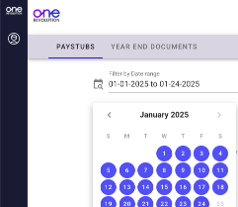
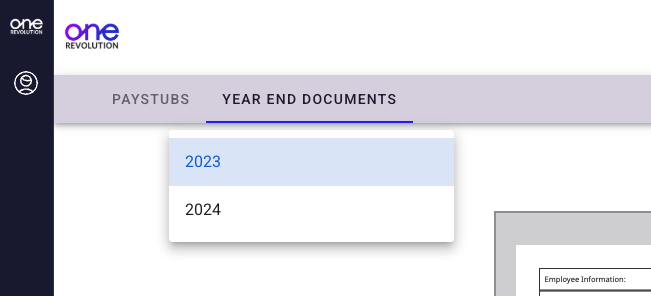
Upon logging in, you'll land right in the paystubs section of OneRevolution's Employee Space. From there filter for different pay weeks using the date filter. Or click over to the Year End Documents to review any W-2s or 1095-Cs for the prior year(s).
If you have questions, please reach out to our Support Team for live help.

